
Sale
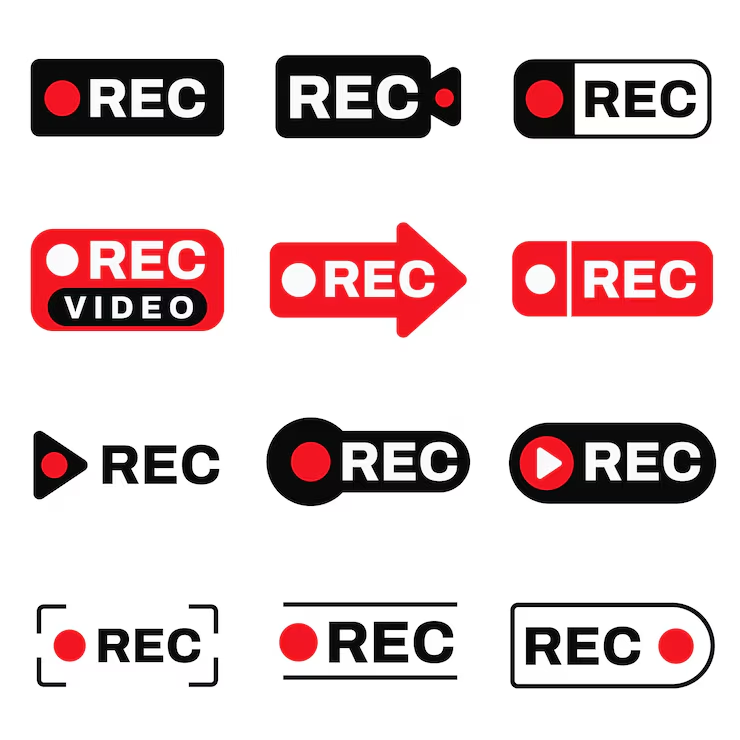
Screen recording software
Original price was: ₨25,000.00.₨15,000.00Current price is: ₨15,000.00.
Screen recording software is a tool that allows users to capture video and audio activity on their computer or mobile device screens. It is widely used for creating tutorials, presentations, webinars, gaming videos, software demos, and online courses. The software helps individuals and businesses communicate visually, document processes, and share content effectively.
Screen recording software
- Full-Screen and Custom Area Recording
Users can record the entire screen or select specific areas or windows, offering flexibility depending on the content being captured. - Audio Recording
The software can capture system audio, microphone input, or both simultaneously, ensuring clear narration or sound effects are included in recordings. - Webcam Overlay
Many tools allow users to include webcam video in recordings, which is useful for tutorials, presentations, and live commentary. - High-Quality Video Capture
Screen recorders support various resolutions and frame rates, including HD and 4K, to ensure clear and professional-quality output. - Annotation and Editing Tools
Built-in annotation features like text, shapes, highlights, and drawing tools allow users to emphasize key points during recording. Some software also includes video editing features for trimming, cutting, and adding effects after recording. - Recording Scheduling
Users can schedule recordings in advance, making it convenient for webinars, live events, or unattended sessions. - Export and Sharing Options
Recorded videos can be saved in multiple formats (MP4, AVI, MOV, etc.) and shared directly to platforms like YouTube, Vimeo, or cloud storage. - Hotkeys and Shortcuts
Customizable hotkeys simplify starting, pausing, and stopping recordings without disrupting workflow. - Screen Capture and Snapshots
In addition to video, many screen recorders can capture screenshots during recording, which is useful for documentation or tutorials. - Cross-Platform Compatibility
Modern screen recording software supports Windows, macOS, Linux, and mobile platforms, providing flexibility across devices.

Related products
Sale
Inventory management system
Original price was: ₨60,000.00.₨50,000.00Current price is: ₨50,000.00. Add to cartSale
Payment gateway solution
Original price was: ₨45,000.00.₨35,000.00Current price is: ₨35,000.00. Add to cartSale
Data recovery tool
Original price was: ₨45,000.00.₨40,000.00Current price is: ₨40,000.00. Add to cartSale
A/B testing software
Original price was: ₨40,000.00.₨35,000.00Current price is: ₨35,000.00. Add to cartSale
Sale

Product research tool
Original price was: ₨55,000.00.₨45,000.00Current price is: ₨45,000.00. Add to cartSale

AI copywriting tool
Original price was: ₨45,000.00.₨35,000.00Current price is: ₨35,000.00. Add to cartSale
Landing page builder
Original price was: ₨35,000.00.₨30,000.00Current price is: ₨30,000.00. Add to cartSale
Cloud storage platform
Original price was: ₨35,000.00.₨25,000.00Current price is: ₨25,000.00. Add to cartSale
Reviews
There are no reviews yet.