
Sale
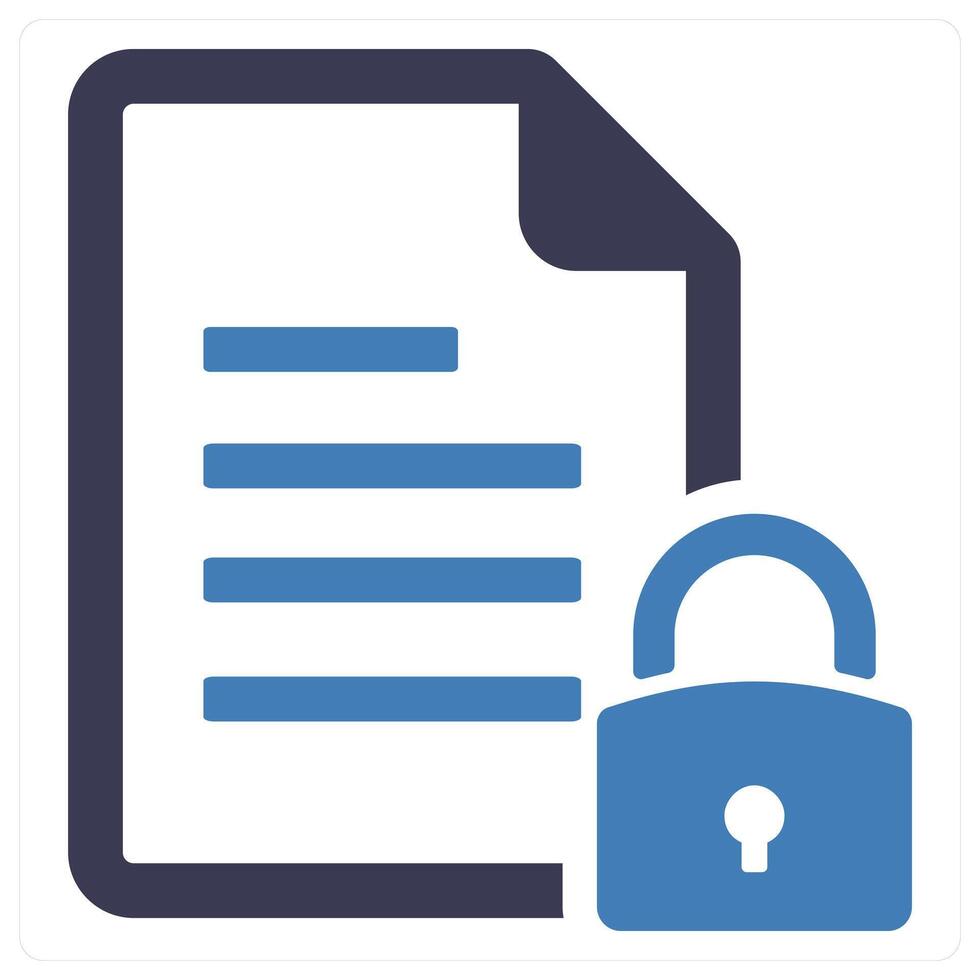
File encryption tool
Original price was: ₨45,000.00.₨40,000.00Current price is: ₨40,000.00.
A file encryption tool is software designed to protect sensitive files and data by converting them into an unreadable format, accessible only to authorized users with the correct decryption key or password. It safeguards information from unauthorized access, theft, or accidental exposure, making it essential for personal privacy, corporate security, and regulatory compliance.
File encryption tool
- Password Protection
Users can assign passwords or passphrases to encrypted files. Without the correct password, the file cannot be decrypted, providing an extra layer of security. - File and Folder Encryption
The software allows encryption of individual files, multiple files, or entire folders. This provides flexibility in protecting specific data sets or entire directories. - Seamless Integration
Many tools integrate with operating systems, file explorers, or cloud storage services, enabling users to encrypt files without complicated workflows. - Secure File Sharing
Encrypted files can be shared safely over email, cloud services, or removable media. Only recipients with the decryption key or password can access the content. - Automatic Encryption
Some tools support automatic encryption of files saved in specified folders or drives, reducing the risk of leaving sensitive data unprotected. - Data Integrity Checks
Encryption tools often include integrity verification to ensure that encrypted files have not been tampered with or corrupted. - Cross-Platform Support
Modern file encryption tools work across multiple platforms, including Windows, macOS, Linux, and mobile devices, allowing secure access to encrypted files anywhere. - Compression and Encryption Combination
Some tools combine compression with encryption, reducing file size while keeping data secure, making storage and transfer more efficient. - Audit and Logging Features
Advanced encryption tools provide logs and audit trails of file access and encryption/decryption activities, helping organizations track data usage and comply with regulations.

Related products
Sale

Sale
Product research tool
Original price was: ₨55,000.00.₨45,000.00Current price is: ₨45,000.00. Add to cartSale
Landing page builder
Original price was: ₨35,000.00.₨30,000.00Current price is: ₨30,000.00. Add to cartSale
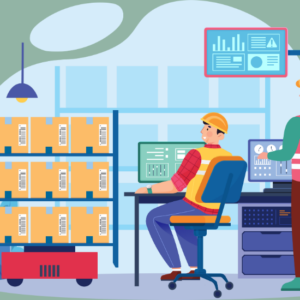
Inventory management system
Original price was: ₨60,000.00.₨50,000.00Current price is: ₨50,000.00. Add to cartSale
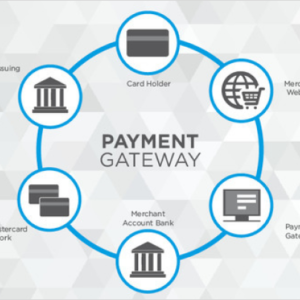
Payment gateway solution
Original price was: ₨45,000.00.₨35,000.00Current price is: ₨35,000.00. Add to cartSale
Sale

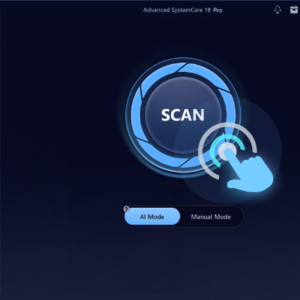
Anti-malware software
Original price was: ₨35,000.00.₨30,000.00Current price is: ₨30,000.00. Add to cartSale
Screen recording software
Original price was: ₨25,000.00.₨15,000.00Current price is: ₨15,000.00. Add to cartSale
Analytics dashboard
Original price was: ₨25,000.00.₨15,000.00Current price is: ₨15,000.00. Add to cartSale
Reviews
There are no reviews yet.